If you offer several products or services, each one needs its own page. People looking for something specific land straight on the right page, and find what they need to decide. Someone on our team designs the site from your brand book, and you add new pages whenever you like by asking its agent.
Living in Rote · Breath Lab Space
Someone coming to surf and someone looking for land don't type the same thing into a search engine. That's why each of them needs a page of their own, written in the words they use. That way the site gets found for lots of different searches, and every visitor ends up in the right place.
Pages and counts from the livinginrote.com sitemap, 23 October 2026.
-
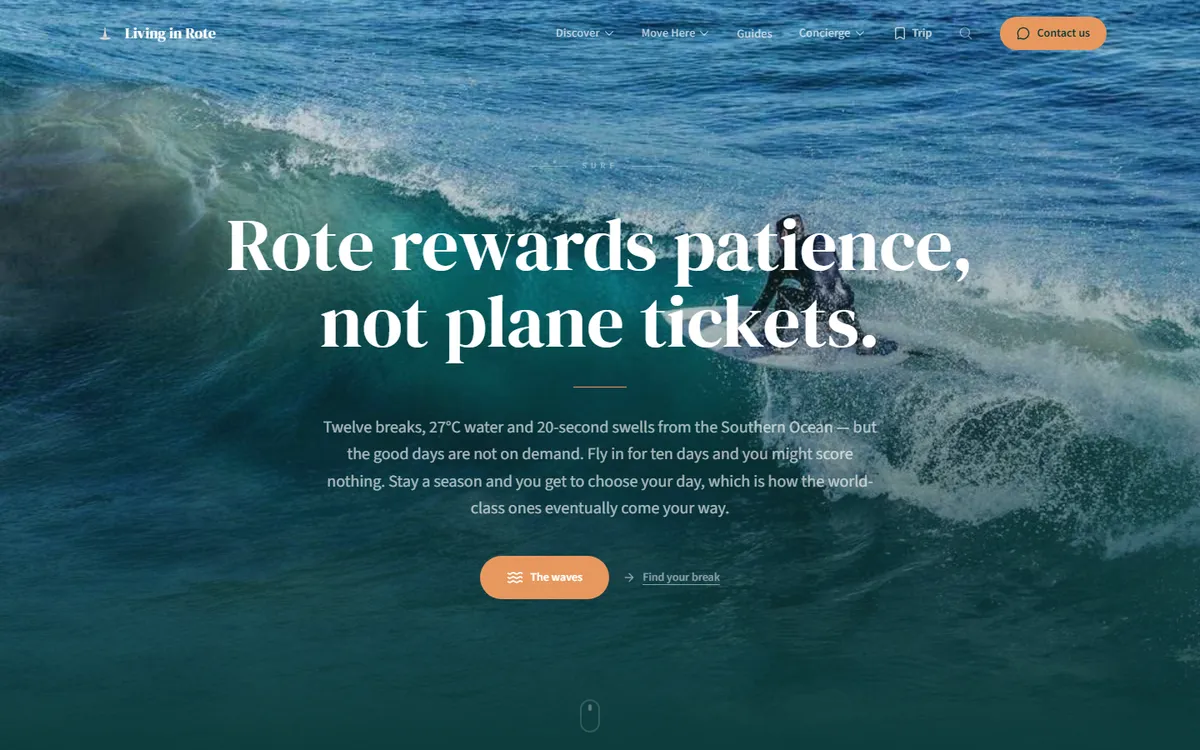
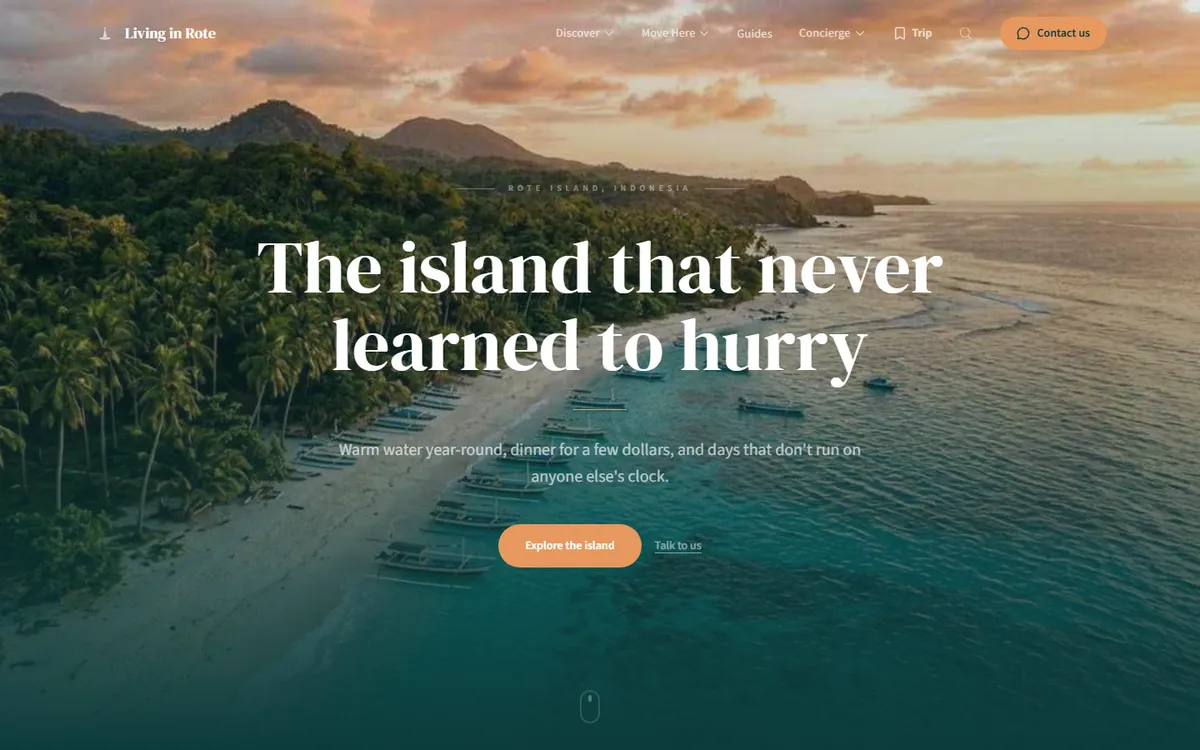
Surf
/surf · plus a page for each of the 12 breaks
For people who come for the waves.
-
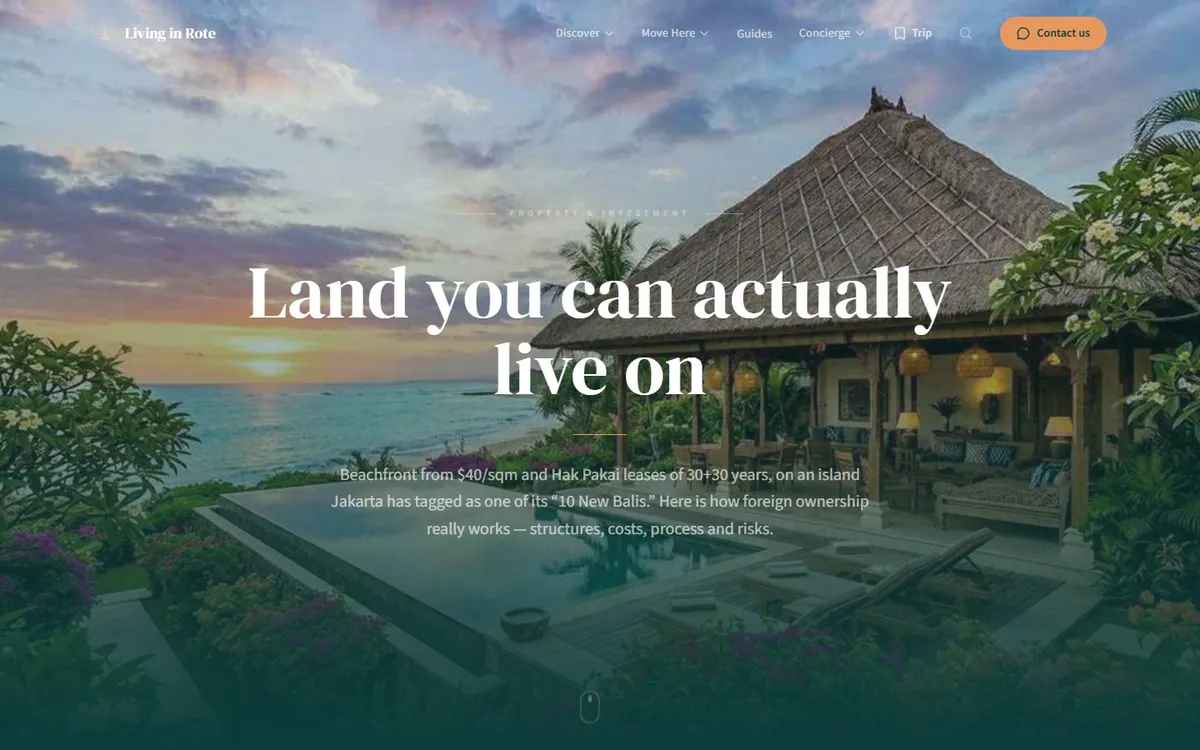
Property
/property
For people looking for land or a house.
-
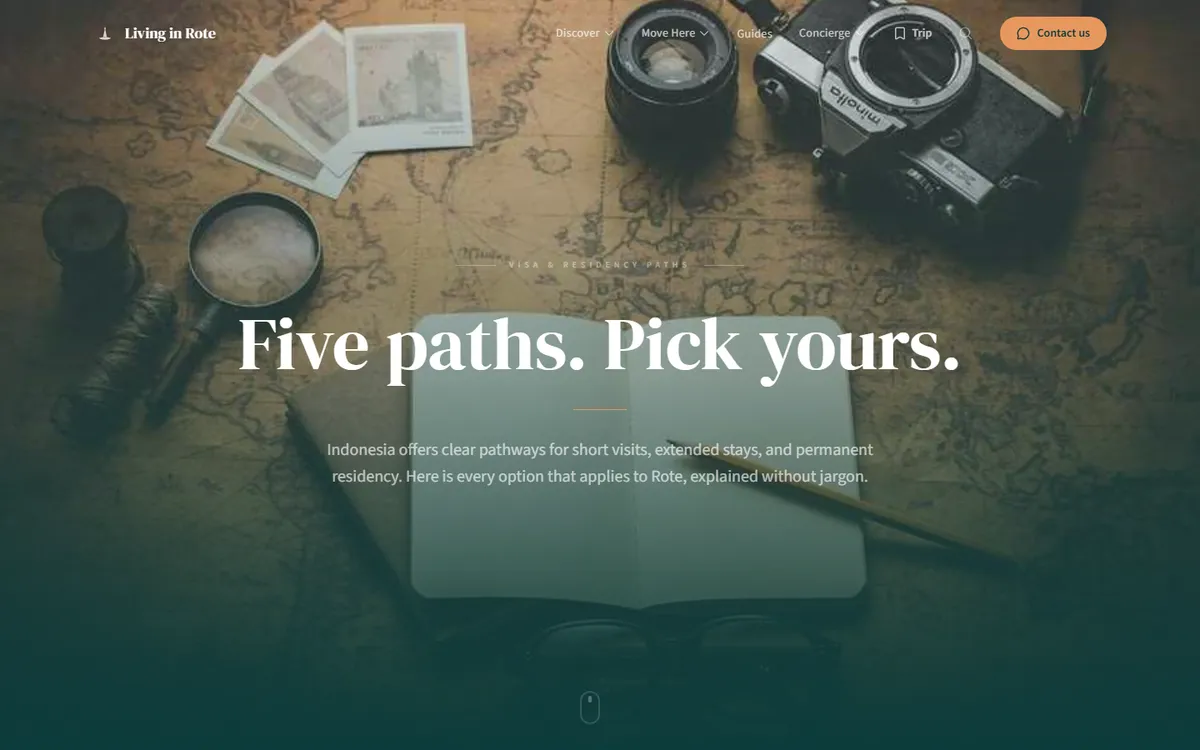
Visas
/visas
For people working out which visa they need.
-
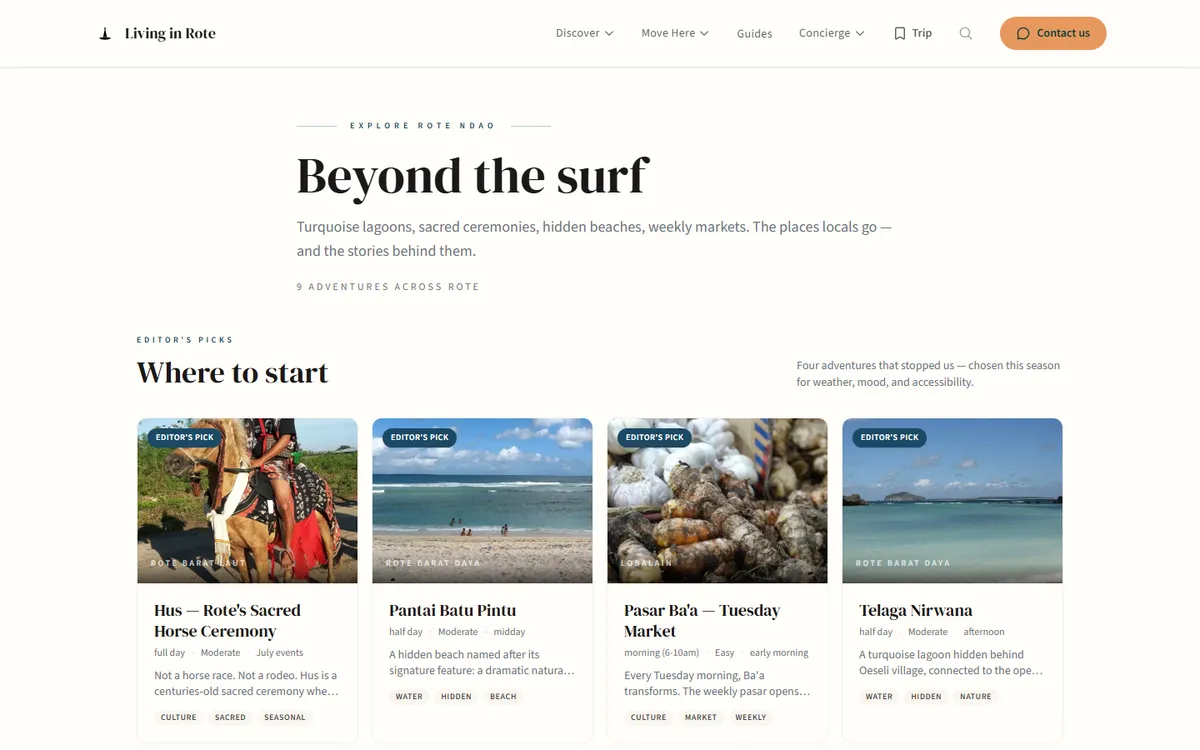
Adventures
/adventures · plus a page for each of the 9 adventures
For people looking for things to do beyond surfing.
A multi-page site can have its own companion too. The site's pages present what you sell. The companion writes articles for people who are still finding out, and from each article it takes them to the right page. Our content engine writes the articles, and someone on the team checks them before they go out.
Links checked in the text of the Guides articles, 24 October 2026.
-
Land Values on Rote
Property
-
Rote Beyond the Surf
Adventures
-
Renting Out What You Buy on Rote
Property
every article leads to the right page
When you have a new product, tell the site's agent which page you want and what it's for. Before touching the site it shows you what it will do, and you say go ahead or change it. Then the page goes live in the site's style. If you don't like it, Undo puts everything back the way it was.
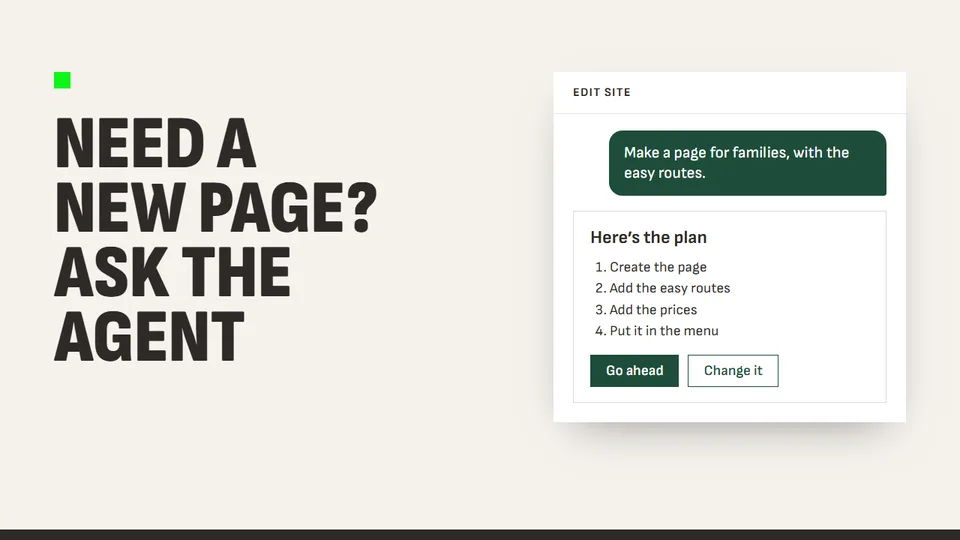 Coming soon How to create a new page Documentation · video guide
-
Say what you want
The way you'd ask a person. Which page, for which product.
-
It shows you the plan
Until you say go ahead, the site stays untouched. If something's off, you change it first.
-
It publishes and checks
You see each step while it works. If publishing fails, it rolls back on its own.
-
Don't like it? Undo
The site goes back to how it was before the last change.
-
Ad pixels for Meta, Google Ads and TikTok.
-
Basic statistics.
-
A GDPR-compliant cookie banner, made for that site and connected automatically to the active tracking.
You can add an assistant that knows every page and answers for you, languages for visitors from abroad, a form for each product, and links to your own tools. After the free consultation we tell you which ones you need.
How many pages do you need?
Tell Maia what you sell and who it's for, out loud or in writing. She helps you work out how many pages you need and where to start. The consultation is free.
Questions
Can I add a page myself?
Yes. Ask the site's agent. It shows you what it will do and publishes the page when you say go ahead. New pages count towards the editing allowance included in the subscription.
Do new pages keep the site's style?
Yes. The agent works from your brand book and the pages already there, so the text, images and layout stay consistent.
What if I don't like a new page?
Undo takes the site back to how it was before the last change. Or ask the agent to change it.
Can I have it in more than one language?
Yes, with the Multilingual extension. When you change the site in one language, the system rewrites the others with the reader's culture in mind.