Small Business Newsletter Templates: 8 Layouts to Copy and Customize
8 small business newsletter templates you can copy block by block, with CTAs and placeholder copy. Fill one in 20 minutes, reuse it monthly in any editor.
Monday morning. You open your email tool, hit “create campaign” and stare at an empty canvas. No blocks, no structure, just a blinking cursor. That’s the moment the newsletter you promised the team slips another week, and the list you spent two years building goes a little colder.
Most of the time you already know what you want to say. What stalls you is deciding what goes first. A fixed layout makes that decision for you, so you start with the content and leave the formatting alone. Below are eight ready-made skeletons, laid out block by block, with a rough length for each section, how many calls to action each one can carry, and placeholder copy to swap out. Paste them into your editor, fill them in twenty minutes and reuse them every month. They work in any tool: Mailchimp, Brevo, ActiveCampaign, even a mail merge from Gmail.
What a newsletter template actually is
A newsletter template is the fixed sequence of blocks your email is built from. It decides where the header sits, how long the opening paragraph runs, where the button appears and what closes the email. That skeleton stays the same every send while the content changes. Colours and visuals are a separate layer.
You feel the difference in hours. If you write without a structure, you reinvent the layout every time and it drags on. If you start from a template, you fill in the gaps and you’re done fast. Academic research on newsletter design has gone as far as proposing formal models for testing which structures perform, so the decision stops depending on whoever happens to be doing the layout 1. And on the most debated detail, where to put your links, there are studies tying link placement to click-through rate 2. The order of your blocks moves your numbers. It does far more than make the email look tidy.
A good company newsletter template does a second job too: it makes the writing something you can hand off. With a fixed structure, a colleague or freelancer can fill in the email and you won’t have to rewrite it from scratch. We’ll come back to this, because for anyone running a small business single-handed, it’s the part that changes everything.
Which layout to pick for this month’s goal
Before the skeletons, the map. Plenty of small businesses only send a handful of emails a month. Pick the wrong layout for a send that rare and you’ve wasted a real share of your chances to reach people. There’s one rule: decide the goal first, then choose the template. Never the other way round.
| What’s happening this month | Layout to use | CTAs |
|---|---|---|
| Someone has just subscribed | Welcome | 1 |
| A quiet month, nothing big to announce | Editorial / monthly update | 1-2 |
| You’re about to launch a product or service | Launch | 1 |
| You want to show results | Case study | 1 |
| Not much to say, but you want to stay visible | Roundup | 2 |
| You’re running a webinar, open day or trade show | Event | 1 |
| The list has been silent for months | Re-engagement | 1 |
| Discount, deadline, seasonal promotion | Offer | 1-2 |
Keep this table next to you when you plan your calendar. And if you want to sort out the whole flow, beyond the individual send, working on your newsletter’s editorial copy is the natural next step once the structure is settled.
The 8 layouts, block by block
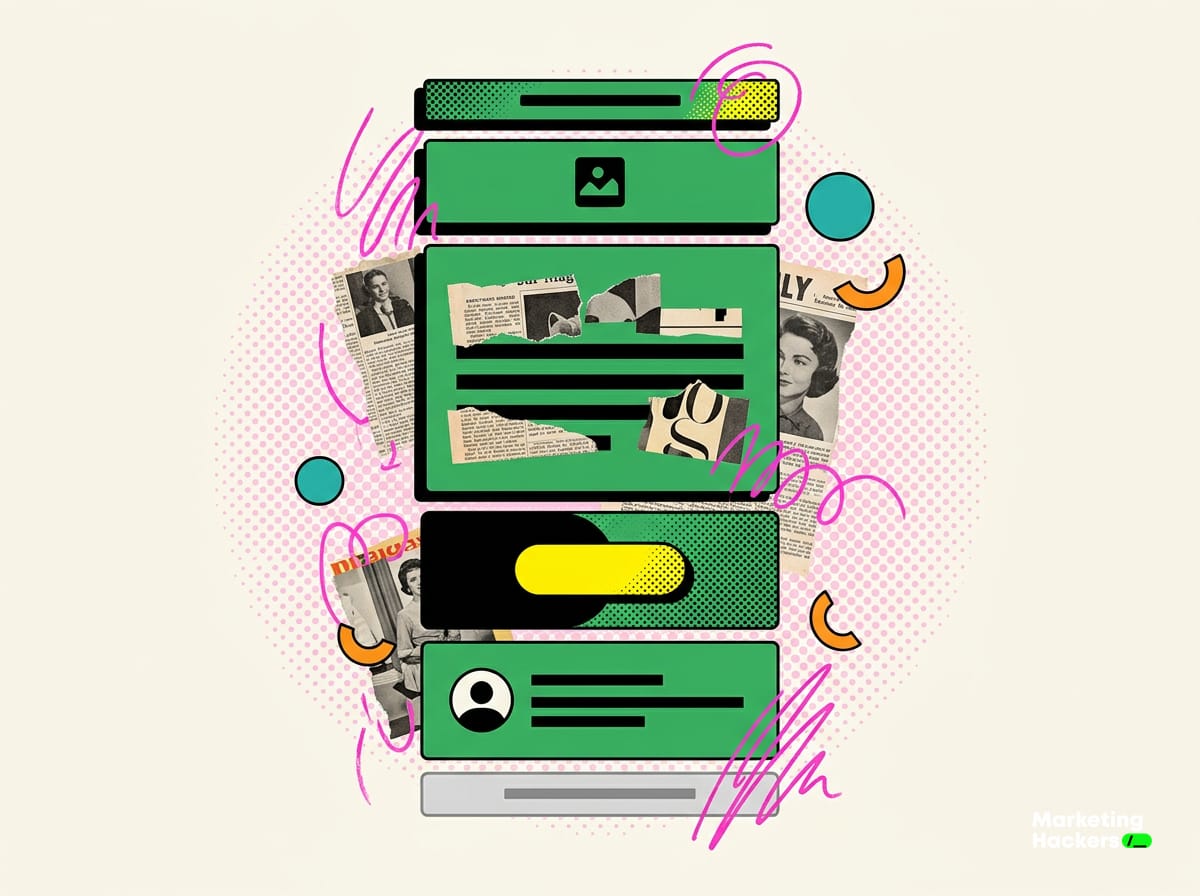
Every skeleton reads the same way: the sequence of blocks, a rough length, the number of calls to action and what to write in place of the placeholders. Anything in square brackets gets replaced with your own content.
1. Welcome (for brand-new subscribers)
This one fires automatically, the first email someone gets after handing over their address. Its job is to confirm they made a good call and tell them what’s coming.
- Preheader (one line, 40-60 characters): “[Thanks, here’s what you’ll get]”
- Header with logo and a one-line greeting
- Welcome block (60-80 words): who you are, what you send, how often
- The single gift or resource you promised at sign-up, with a button (“[Download the guide]”)
- Sign-off with the name and face of a real person
- Legal footer
One CTA. An accounting firm that promises “one tax tip a month” writes exactly that promise here, and keeps it from the very first send.
2. Editorial / monthly update
Your workhorse. Use it in months with no launch, when you still want to stay on your customers’ radar.
- Preheader with the month’s theme
- Header
- A short first-person editorial (100-150 words): something you noticed, a mistake you keep seeing, a lesson from the field
- One concrete update (company news, a finished project, a date)
- A useful resource with a button (“[Read the article]”)
- Sign-off
- Footer
One or two CTAs, tops. A machine shop explaining how it cut production waste gives readers more than ten lines of “we are pleased to announce”.
3. Product or service launch
One send, one goal. Everything points readers at the new product.
- Direct preheader: “[Available today: X]”
- Header
- Launch headline plus one line on the benefit, leaving the technical spec out of it
- Description block (80-120 words): the problem it solves, who it’s for
- A single image of the product or service
- The same button twice, above and below the description, with identical copy (“[Take a look]”)
- Footer
One CTA, even though the button shows up twice. No distractions, no links to other pages, no roundup tacked on the end.
4. Case study / customer story
The layout that sells without feeling like a pitch. You tell the story of a real result.
- Preheader with the headline number: “[How X got 30% more quote requests]”
- Header
- Where they started (50 words): the customer’s situation before
- What you did (80 words)
- The result, with a hard number
- A short quote from the customer
- Button to your service page or contact form (“[Let’s talk]”)
- Footer
One CTA. A small craft e-commerce brand showing how a rewritten product page lifted sales on one line is more persuasive than any list of services. Almost every strong company newsletter you’ve admired is built on this kind of concrete story.
5. Roundup / curation
For months when you’ve got little news of your own but still want to show up. You collect useful things you’ve come across.
- Preheader: “[3 useful things this month]”
- Header
- Two-line intro
- Three items, each with a title, a two-line summary and an inline link
- One closing CTA to a piece of your own content
- Footer
Two CTAs are fine here, because the format is a list of pointers by nature. It’s the only layout that can carry several links without confusing the reader.
6. Event / invitation
Webinar, open day, trade show, product presentation. The goal is a sign-up, or at least a date in someone’s diary.
- Preheader with date and location
- Header
- Event name, date, time, place
- “What you’ll learn / what you’ll see” block (60 words, bullet points)
- Sign-up button (“[Save your seat]”)
- A line on limited places or the deadline, if it’s genuine
- Footer
One strong CTA. Urgency works when it’s real.
7. Re-engagement (cold list)
For when the list has gone quiet for months and customers have forgotten you exist. Own up to the gap openly and don’t pretend you never left.
- Honest preheader: “[It’s been a while. Still with us?]”
- Header
- Reopening block (60 words): where you’ve been, what’s changing now
- One concrete reason to stay (something new, a gift)
- Button (“[Yes, keep writing to me]”)
- A line for anyone who’d rather leave, no hard feelings
- Footer
One CTA. This layout also cleans your list: anyone who doesn’t click after a few sends gets removed.
8. Offer / promotion
Discount, seasonal push, deadline. Few words, lots of button.
- Preheader with the discount: “[20% off until Sunday]”
- Header
- Offer headline and who it’s for
- What’s included and when it ends
- Button (“[Claim it now]”)
- Terms in small print
- Footer
One or two identical CTAs. The deadline has to be real, or nobody will open the next one.
What you customise and what you leave alone
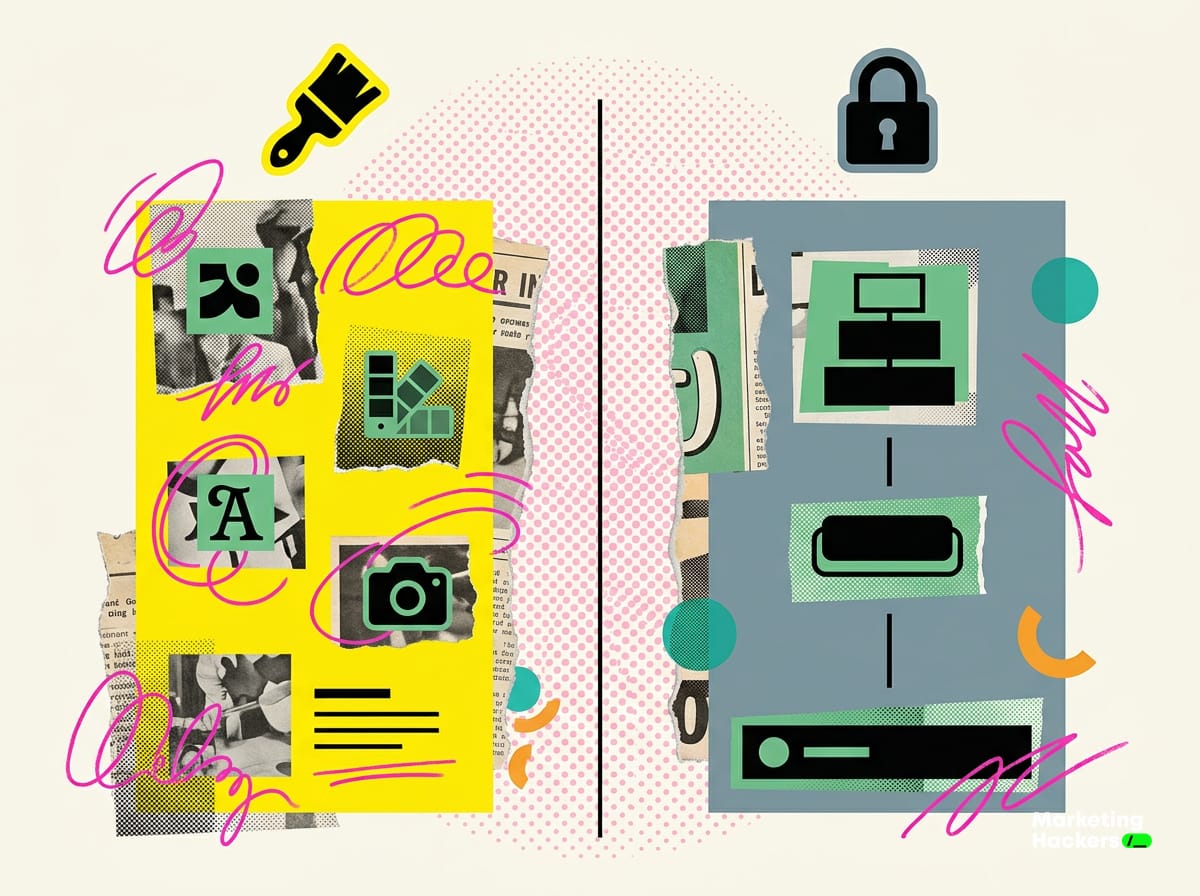
This is where most small businesses trip up. For a lot of people, “customising a template” means changing the button colour and moving on. Then they shuffle the block order as well, and the template stops doing its job.
Draw this line once and stick to it.
Yours to change, because it’s your brand:
- logo and colours
- fonts and sizes
- tone of voice and sign-off
- images and photo style
- the copy inside each block
Leave as is, because it’s the structure that makes the email work:
- the order of the blocks
- the number of calls to action per layout
- the position of the main button
- the legally required footer
Put simply: change everything that makes you recognisable, and keep everything that guides the eye. CTA hierarchy in particular is a hard constraint. The small-business newsletter templates that hold up best have one dominant button. Only the roundup and the editorial can take two, and none of them can take three. Research on link placement shows that where you put a link affects how many clicks you get 2, so moving the button “just because” is the quickest way to lose them.
The legally required footer in Italy
Skip this block and a dip in open rates becomes the least of your worries. In Italy, a commercial email has to make the sender identifiable and give people an easy way to withdraw consent, in line with privacy law and the GDPR. Every company newsletter footer should include:
- the sender’s full identity
- a working, visible unsubscribe link, not one hidden in the same colour as the background
- a link to your privacy notice
This block is identical across all eight layouts. Write it once, save it as a reusable block in your editor and drop it at the bottom of every company newsletter template. A broken unsubscribe link pushes people to hit “report spam”, and a spam report damages your domain’s reputation far more than losing one subscriber.
Templates as a delegation tool
Here’s why a business owner should standardise layouts even if they write every email themselves. A fixed template turns the newsletter from “something only I know how to do” into a procedure anyone on the team can run.
Think about what happens today if you’re off sick the week of a send. The newsletter doesn’t go out, because the structure lives in your head. With the eight skeletons written down, you hand a colleague the layout for the month, the placeholder copy to replace and the rule on how many CTAs they can use. They fill it in, you review it in five minutes. The newsletter becomes an SOP, a standard operating procedure, just like your quotes and invoices already are.
That’s the jump from “sends an email now and then” to running a channel that keeps going without you. The template is the first building block of that handover, because it removes the guesswork. Whoever’s writing knows what goes where, and you check the output instead of producing it. Once the structure is sorted, the bottleneck moves to what to say, and that’s where B2B newsletter content ideas come in to keep the calendar fed month after month.
Filling a template with AI, starting from the brief
Here, AI fills in a skeleton you’ve already chosen, within the constraints you set. You stay in charge of the process. You pick the layout based on the goal, supply the real context, then let the AI fill in the blocks. Give it a skeleton and you get your email back. Without one, you get generic filler.
Here’s how to build a prompt that works. Paste it into ChatGPT or Claude:
You are the marketing lead at [company name], a small business that [what it does]
for [type of customers]. Tone: [direct/warm/technical], no clichés.

Below is the fixed structure of this month's newsletter. Fill in ONLY
the blocks listed, stick to the word count for each, and do not add
or remove any blocks. One call to action only.

Layout: [paste the skeleton, e.g. Case study]
Real context: the customer [name] started from [situation], we did
[what you did], they got [result with a number].
Goal of the email: drive readers to [page/action].

Write the preheader, the blocks and the button copy.
The word doing the heavy lifting is “ONLY”. Leave the AI unconstrained and it hands you a wall of text with three CTAs and an opening that reads like a press release. Pin it to the structure and you get blocks ready to paste.
A second useful pass is refreshing the tone of copy you already have. If you’ve been using the same template for months and want to freshen it up without touching the structure, ask: “Rewrite only the text inside these blocks, keeping the order, the word count and the single CTA exactly as they are, but make the tone more [X]”. The AI works on the tracks you’ve laid down, and you stay in the director’s chair.
The mobile rules nobody spells out
Everyone says “responsive” and nobody turns it into actual steps. A big share of your emails gets read on a phone, often standing up, between one thing and the next. That changes how you write before it changes how you lay things out.
Three concrete rules for every layout:
- One column. Two columns side by side on desktop collapse into a mess on a phone. Always design vertically.
- The first block has to make its point before the fold. Someone opening on a phone sees a few lines before they have to scroll. In the Launch and Offer layouts, keep the main CTA high up, reachable without endless scrolling.
- Every image has to survive not loading. Many email clients block images by default. Always write alt text, and never put information the reader needs to understand the email inside an image.
Eye-tracking studies on email reading have looked at exactly where attention lands when someone opens a message, and drawn design lessons from it 3. There’s also recent research on systems that recommend the best layout adaptively, a sign of how much the structure you choose affects results 4. For a small business, one practical rule covers it: put the most important thing at the top, test one layout at a time and change one variable at a time, so you know what actually worked.
Eight skeletons are plenty to cover a full year of sends. Save them as reusable blocks in your editor, match each one to its goal, and the next time you click “create campaign” there’ll be no blank canvas waiting for you. And if you want your templates to look good as well as work, the visual side is handled by our design team, though the structure you’ve got now already holds up on its own.
Further reading
Sources
Footnotes
-
Towards improved performance: A model for testing email newsletter design. academia.edu ↩
-
Effects of link placements in email newsletters on their click-through rate. researchgate.net ↩ ↩2
-
Ten inbox secrets: What eye tracking reveals about designing better emails. link.springer.com ↩
-
Contextual multi-armed bandit for email layout recommendation. dl.acm.org ↩
FAQ
What is a newsletter template and why does a small business need one?
It's the fixed set of blocks that stays the same from one send to the next, while only the content changes. You no longer have to decide what goes where, and you start from the content instead of a blank page. That cuts the work from two hours to about thirty minutes.
Which newsletter layout should I use for this month's goal?
Decide on the goal first, then pick the layout. Use Welcome for new subscribers, Launch for a new product, Case Study to prove results, Event for webinars or trade shows, Win-back for a list that has gone quiet and Offer for discounts and deadlines.
Which email tools do these templates work with?
They work in any email editor. You can use them in Mailchimp, Brevo or ActiveCampaign, or even for a bulk send from Gmail. The block structure can be copied and filled in anywhere.
How many calls to action should a small business newsletter have?
It depends on the layout. Most of them carry a single CTA, while the editorial, roundup and offer layouts can take two. The rule is to keep each send focused on one goal.
Why does block placement matter more than design?
Block order changes your numbers, not just the look. Research links where you place a link to the click-through rate it gets, so the position of your button affects your results.
Can a template make my newsletter easier to delegate?
Yes. With a fixed structure, a colleague or freelancer can fill in the email without you rewriting it from scratch. For a business owner who handles marketing alone, that changes everything.